
1. Download the Mielink Client and install it.
👉 Netdisk download address (please note, please use your own browser to download under Android phone)
After downloading and installing, run “Mielink” on your Android device, an account password login screen will pop up, please enter your account password and click the login button.
2. Run the client and log in
Log in to see the main interface of the gas pedal.
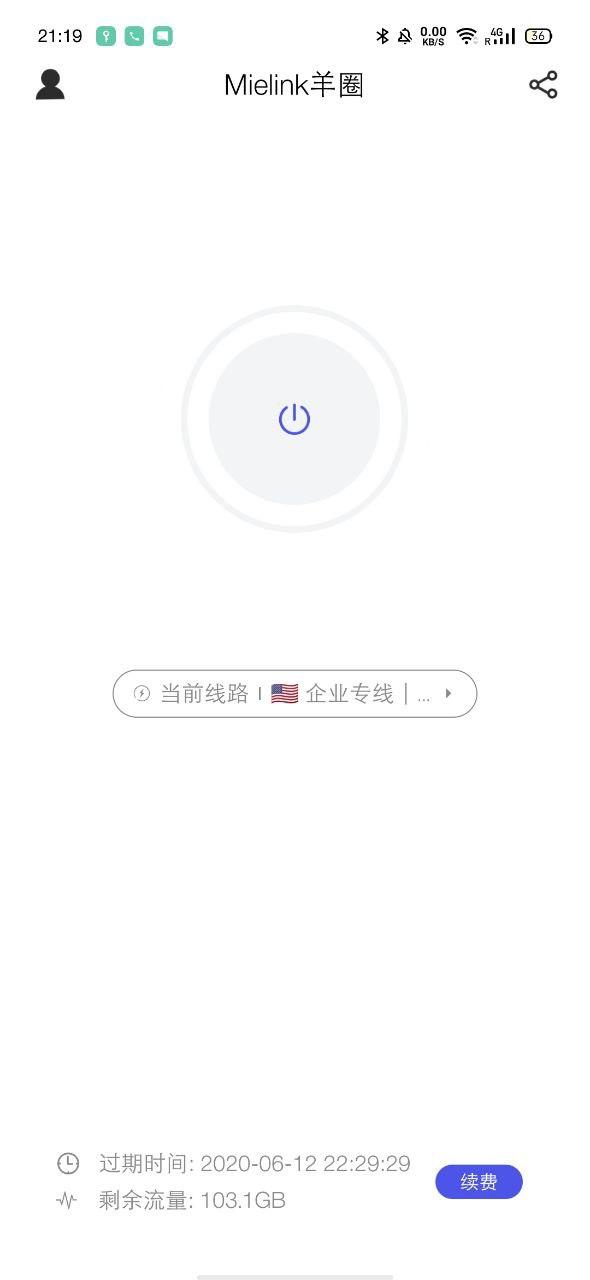
3. Selection of nodes and links
Select a node you want to use, return to the main interface and click Connect.
Q&A Frequently Asked Questions
我在连接节点后依然无法正常使用,请问该怎么办?
此客户端在部分型号的手机上确实存在失效问题,碰到这个情况我们推荐您尝试通用版客户端配置后使用。