1. Home
  2. Apple TV OS
  3. [Universal Client] Shadowrocket For AppleTV [Full Protocol Support] [Paid Software]

[Universal Client] Shadowrocket For AppleTV [Full Protocol Support] [Paid Software]

全协议支持

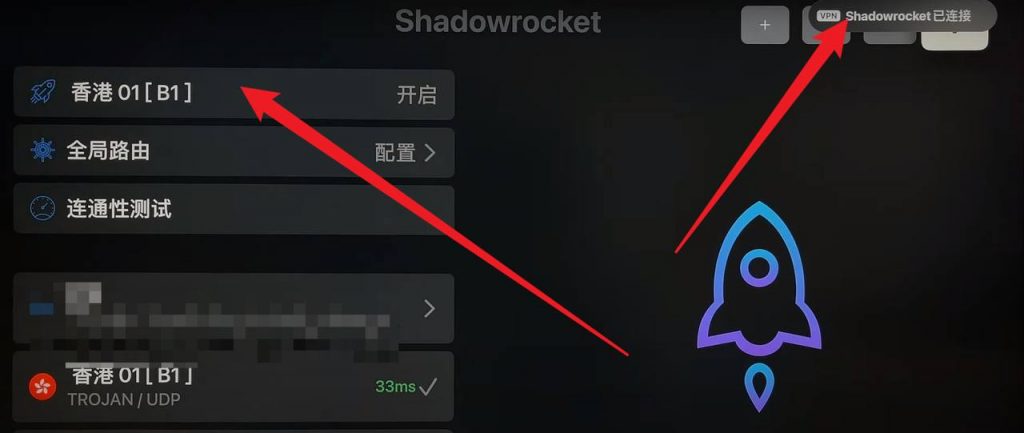
此客户端同时支持SSRTrojan协议

付费软件

此软件为付费软件,只能在非中国大陆区AppStore才可下载


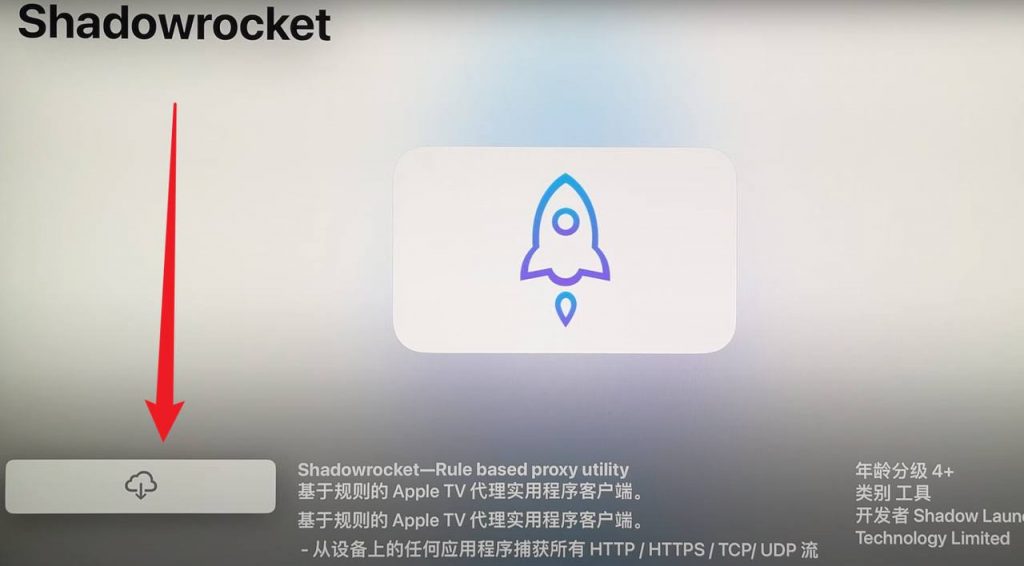
1. Get the Shadowrocket client through the AppStore and download it.

This software is paid software!
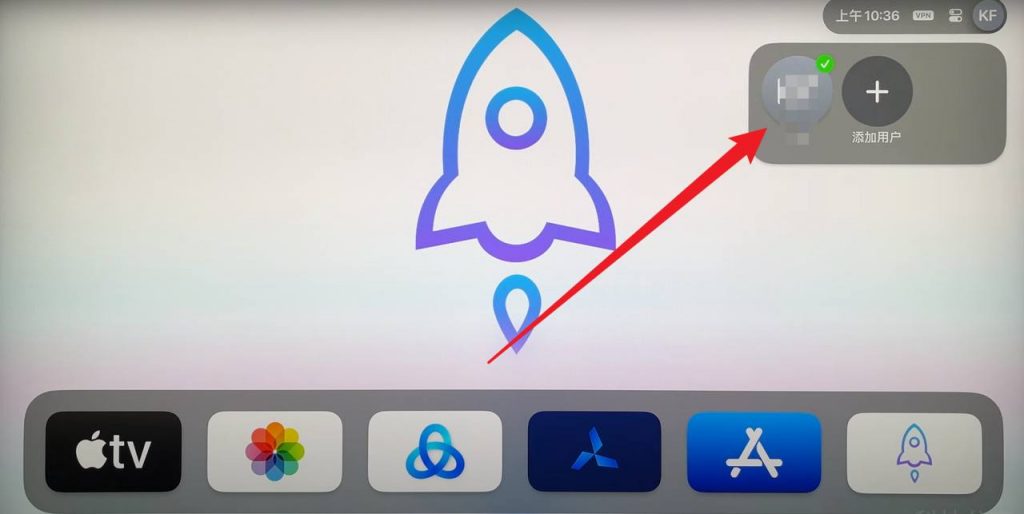
Since Shadowrocket is paid software, you need a non-Chinese Apple ID account.
You will need to top up your credit card or GiftCard using the account number area to make normal purchases.

preliminary

  • AppleTV
  • Mielink member account (available packages/subscription info/download account info required)
  • Software Acquisition: Official website welfare center page provides download account (not 100% available) / Foreign (non-mainland) Apple ID paid purchase
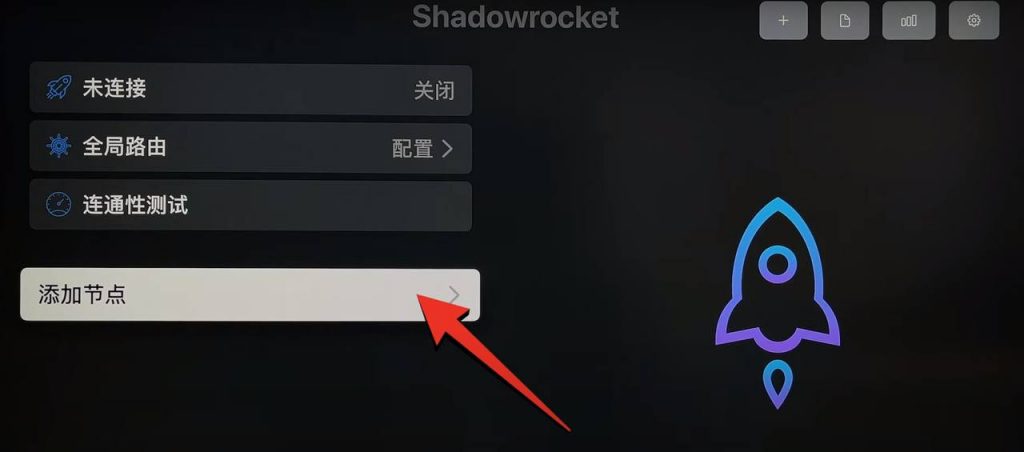
2. Start configuring Shadowrocket For AppleTV

请注意!

在导入订阅时,请确保shadowrocket处于未连接状态,否则您可能会由于连接空白代理导致无法成功导入。

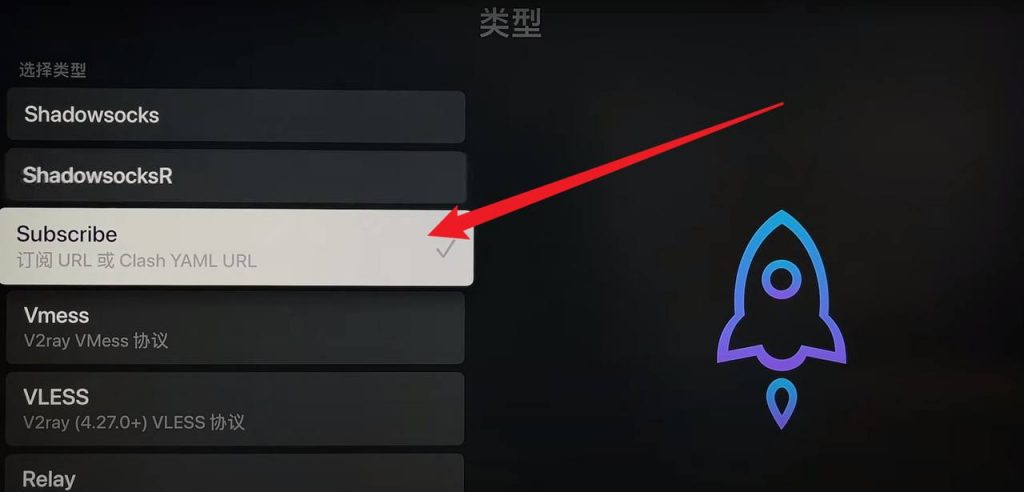
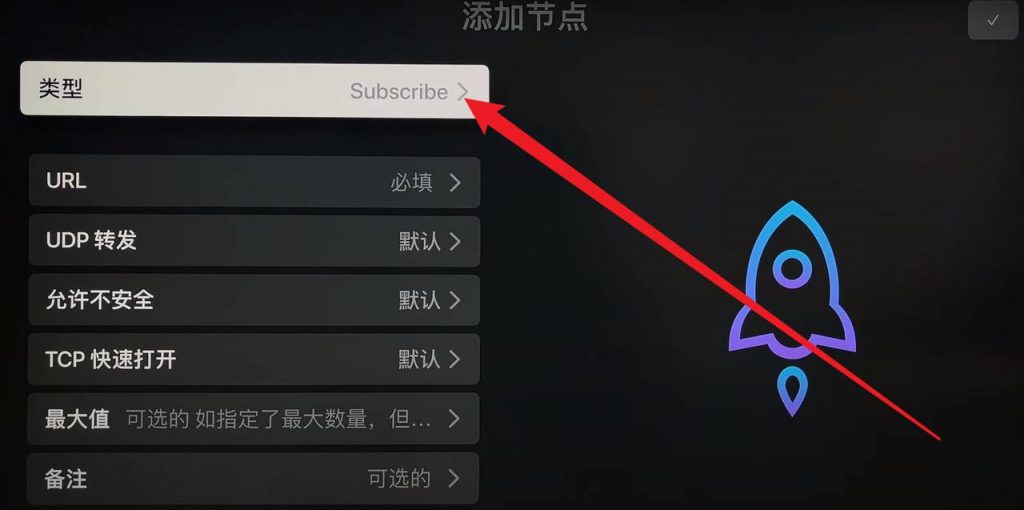
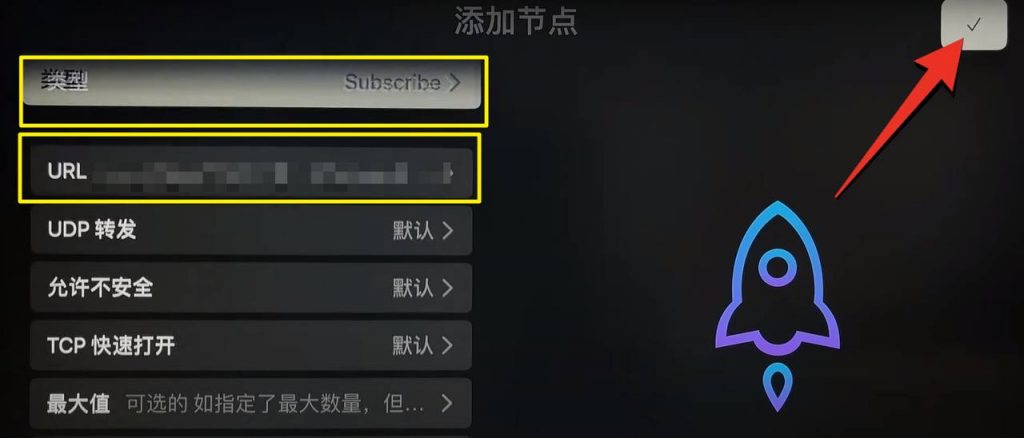
Using any browser on your phone or computer, visit the CMYNetwork website to access the Subscription Center and select Copy Shadowrocket Address.

You should also note after copying the subscription link:

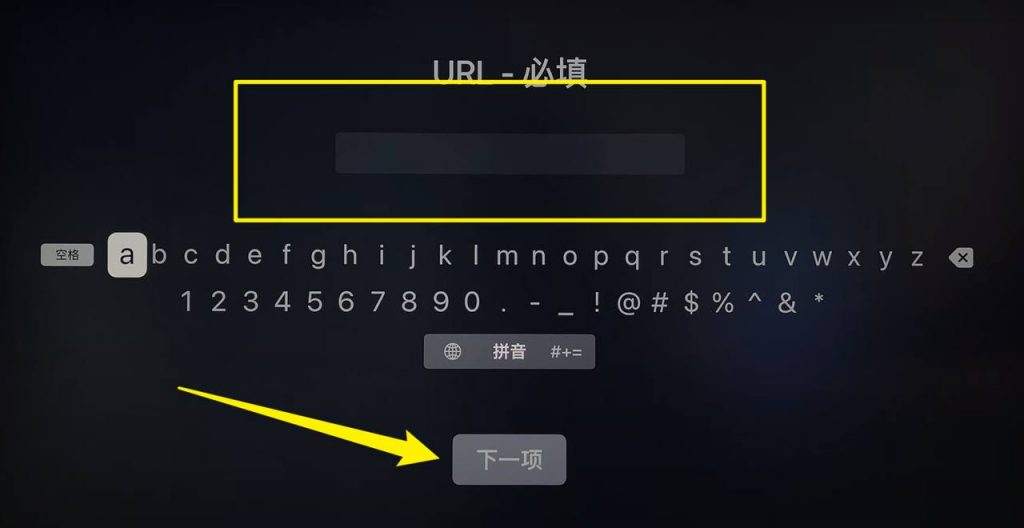
Since the subscription link is too long and copy and paste is not supported in AppleTV, we recommend you to use the short link platform to shorten the subscription address.

https://reurl.cc/main/cn

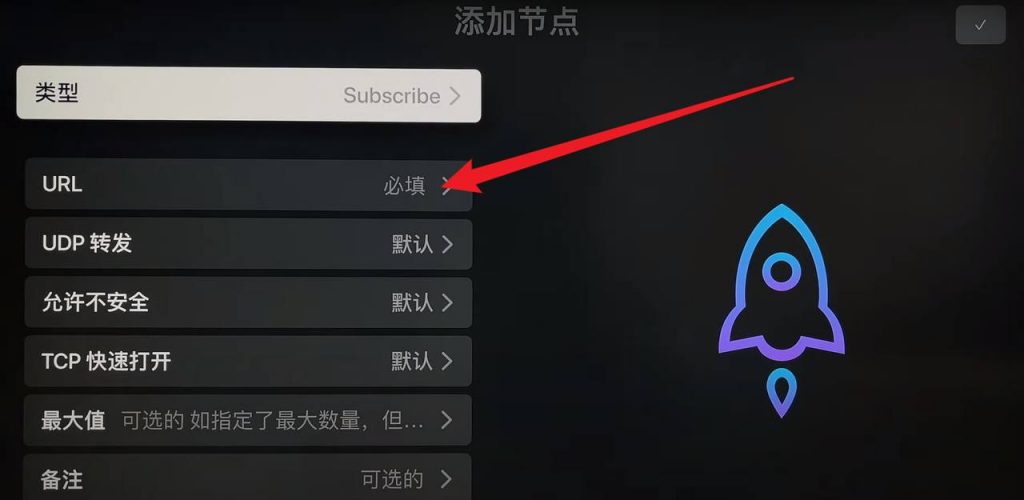
Shorten it and then manually enter it into the URL of the Apple TV’s Shadowrocket.

3. Update subscription

If your subscription is too old and you need to synchronize with the latest nodes, or if you are updating your status after purchasing a subscription, you can use this method to update to the latest subscription.